Capture and prioritize
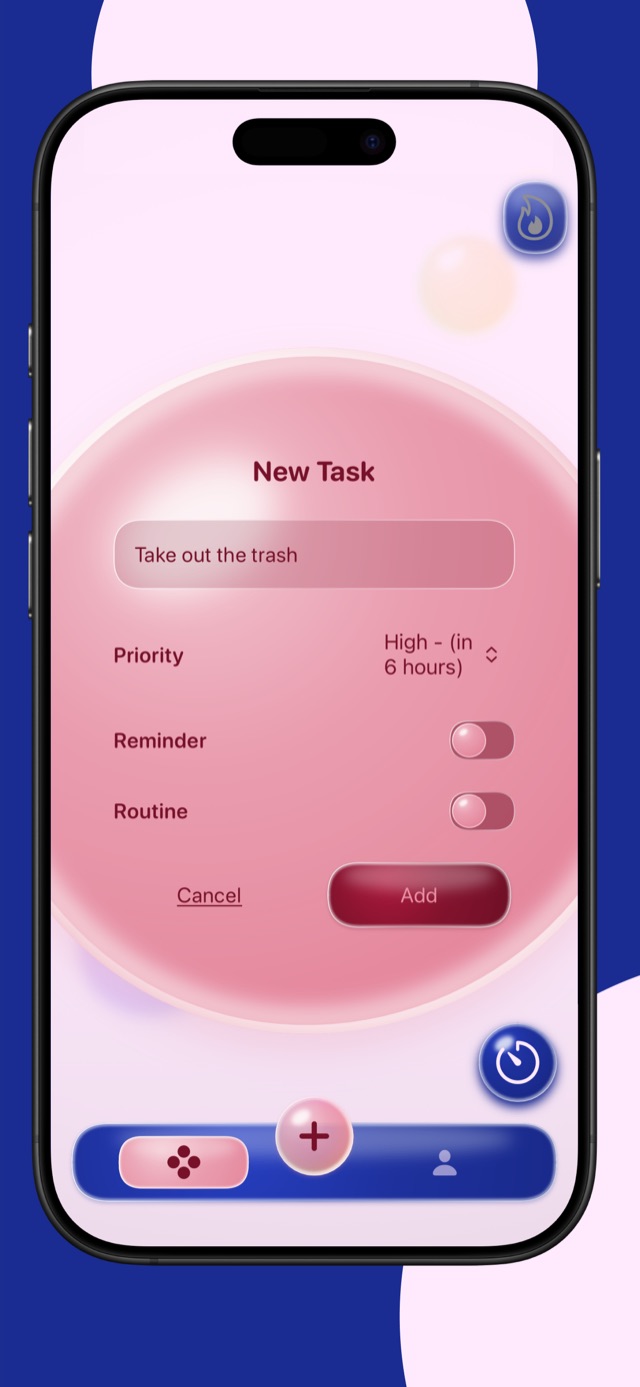
Add the task, its timing, and priority. The bubble changes as attention becomes more important, giving urgency a clear visual signal.
 Bubbles
A visual task manager
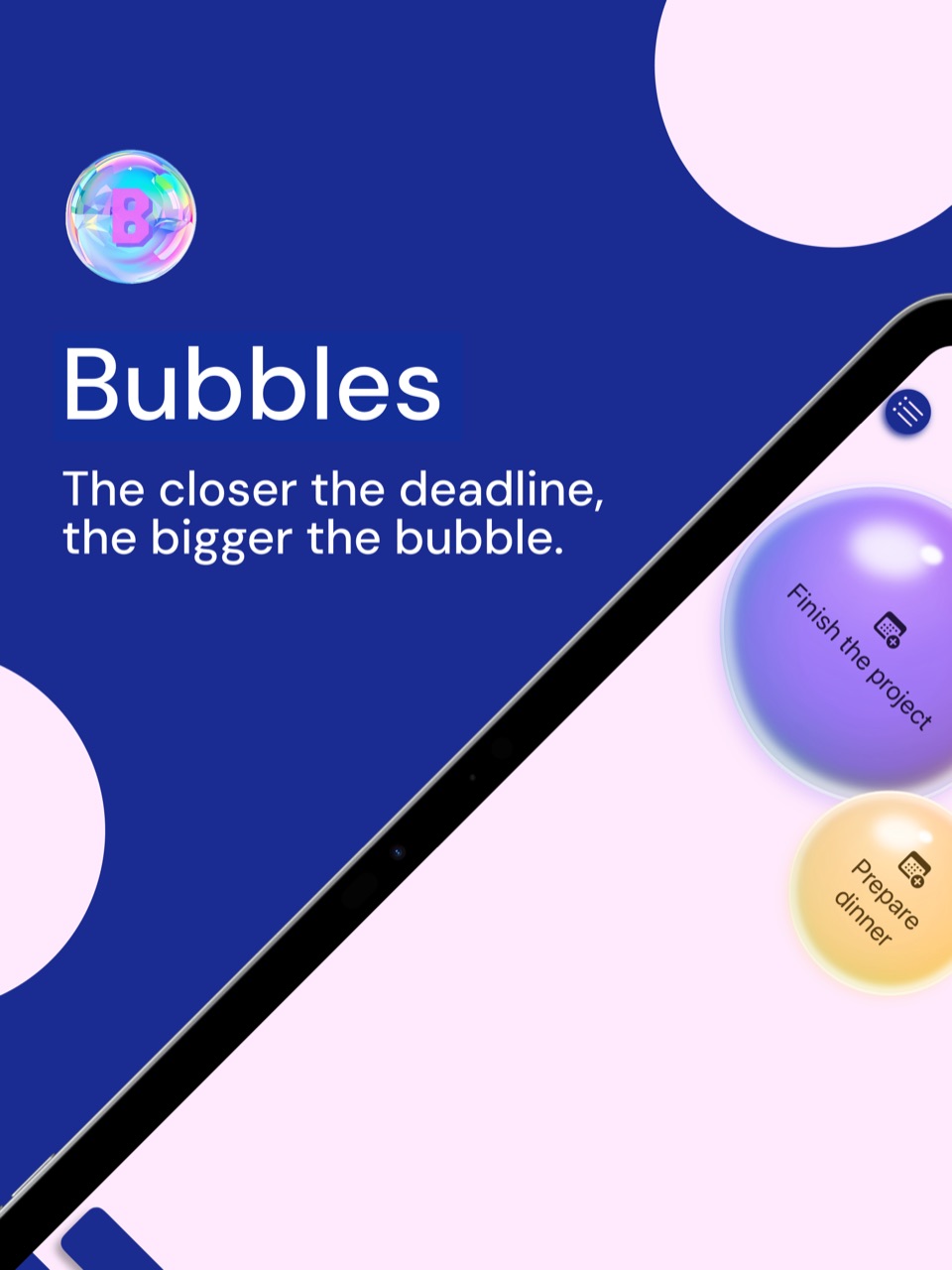
Traditional lists give every task the same visual weight. Bubbles turns time and priority into size, helping urgent work rise naturally into view without making planning feel heavy.
From intention to completion
Add the task, its timing, and priority. The bubble changes as attention becomes more important, giving urgency a clear visual signal.
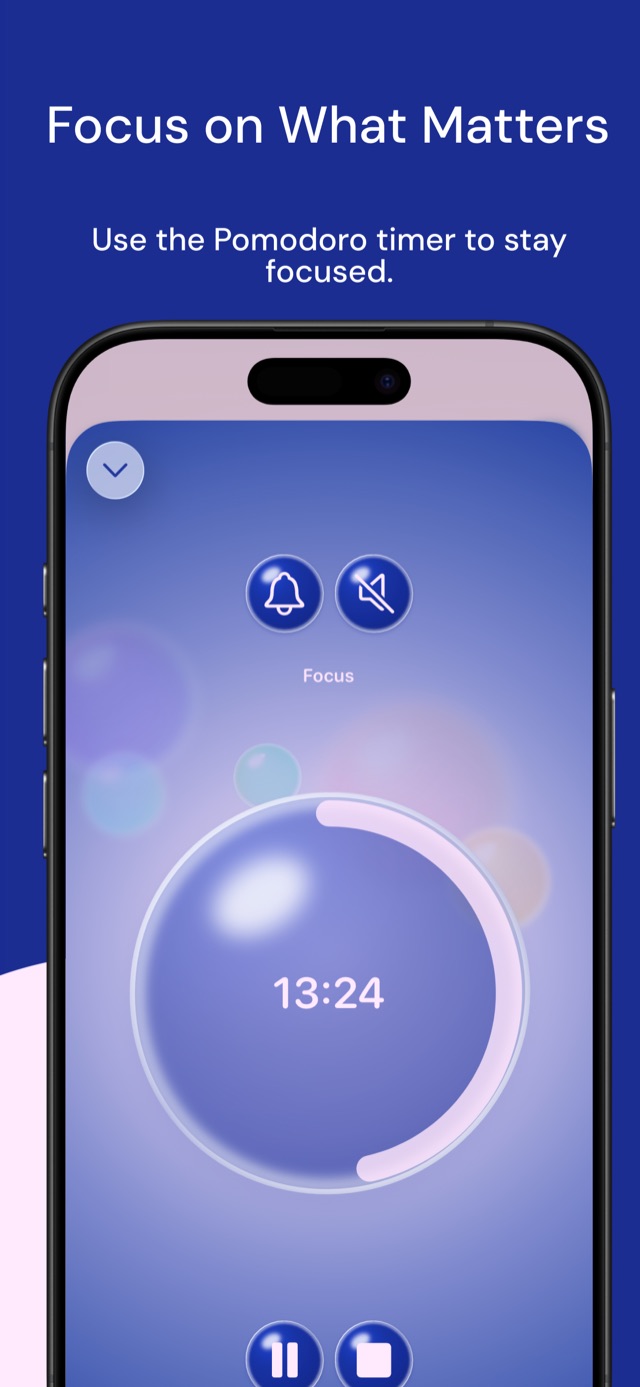
Choose one task and use the built-in Pomodoro timer. Live Activities can keep the active session visible while you work elsewhere.
Complete the task with a pop, then use streaks and statistics to understand your progress without turning productivity into a spreadsheet.
Built around real routines
Build reusable routines for things you do again, use widgets to keep tasks on the Home Screen, and work with more room on iPad.
Frequently asked questions
Tasks grow visually with time and priority, helping the items that need attention stand out.
Yes. Bubbles includes a Pomodoro timer and supports Live Activities to keep the current focus session visible.
Yes. You can build routines for repeatable work and follow streaks and statistics over time.